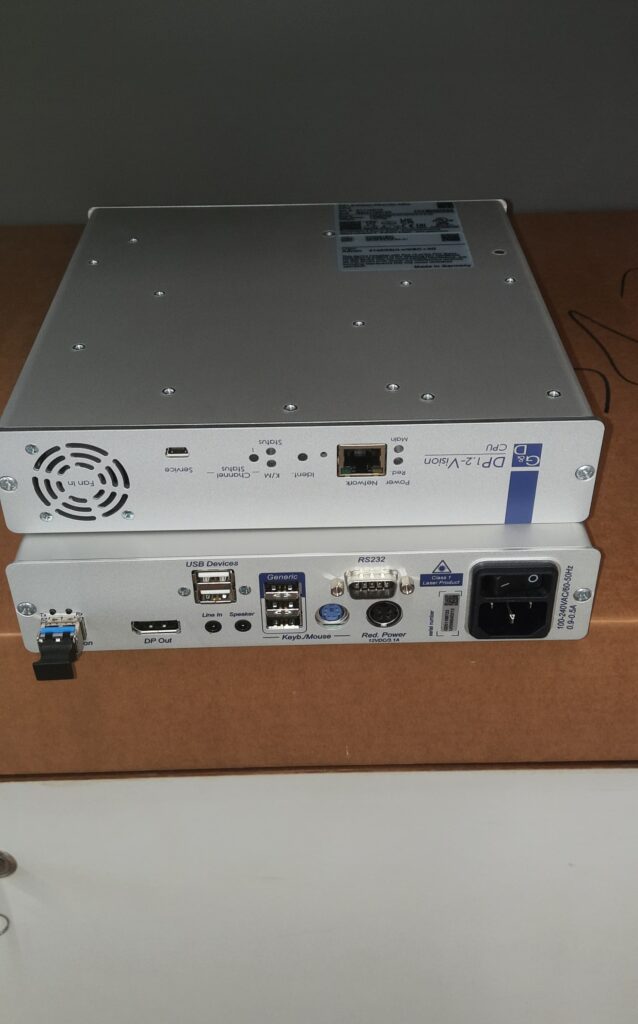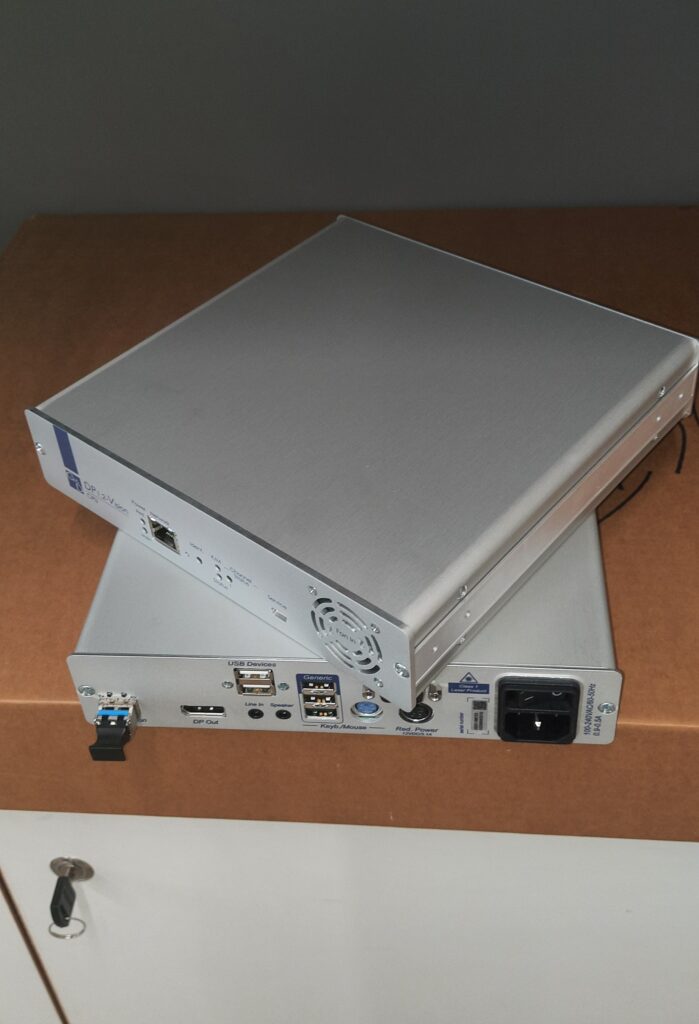
Digital MUXE (DL-MUX, DL-MUX-DP1.2, DL-DVI-MUX-NT, DP1.2-MUX-NT)
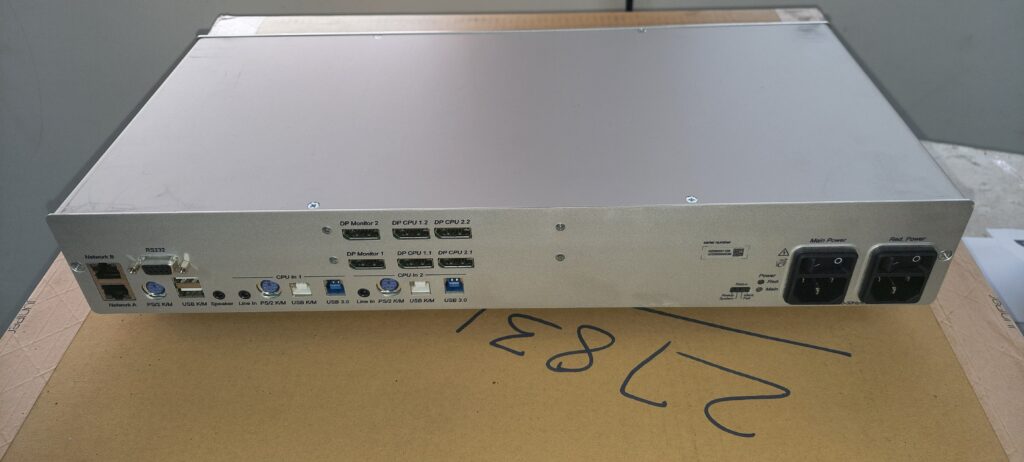
Rear side KVM Switch
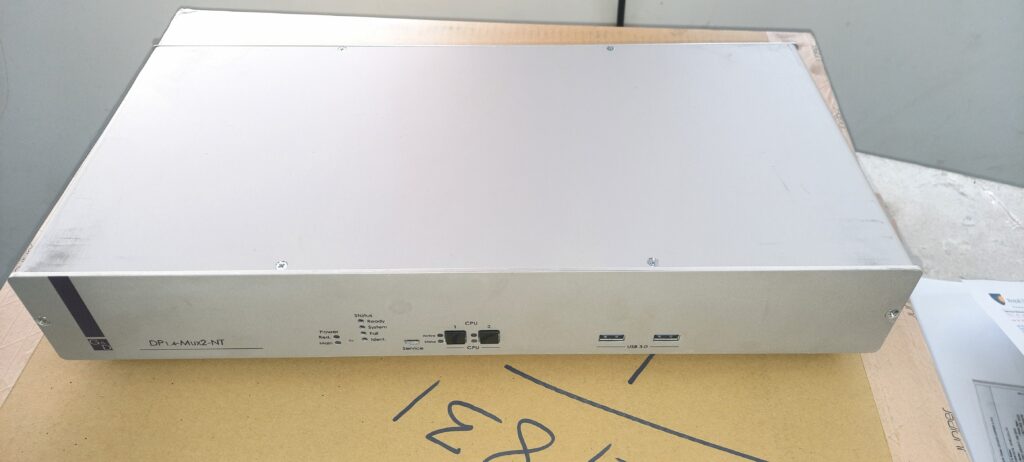
This KVM -Switch the operational status regarding integrity monitoring
Why KVM used :
keyboard video mouse (KVM) used to reduce cost and minimize hardware like Monitor displays
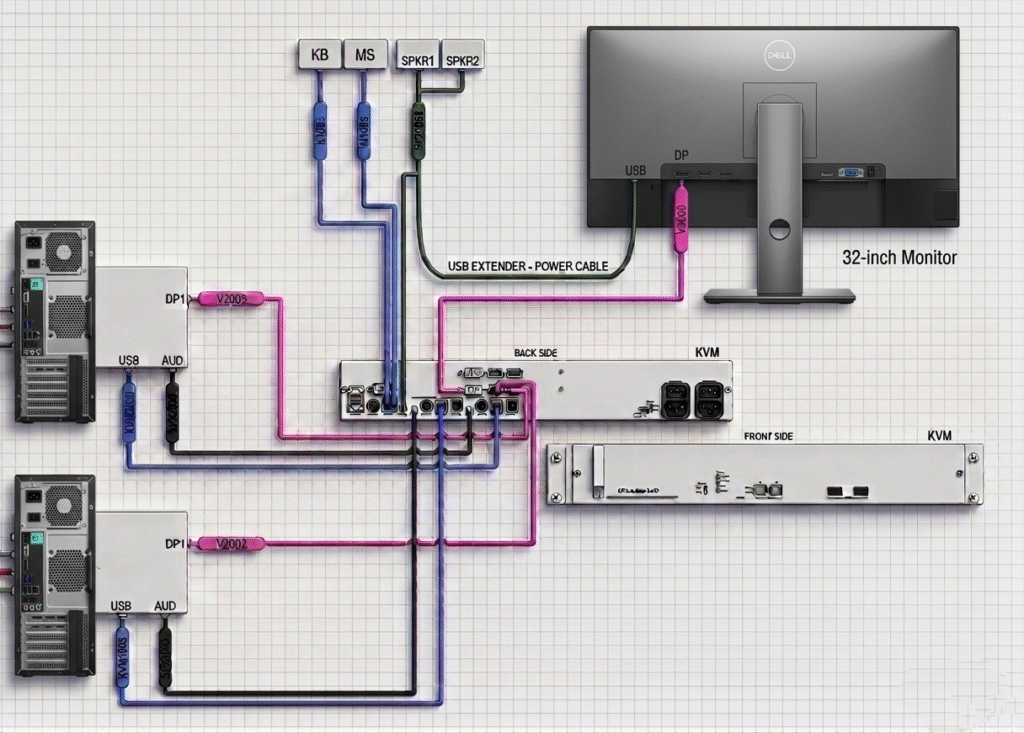
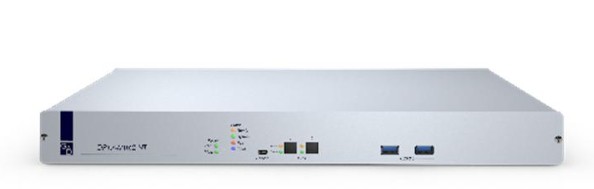
in this above picture we can see that connection diagram and how to work KVM with Two Workstation and one Display .
one Question in mind and think about it, how could be possible 2 Workstation (WS) one Main (WS-M) and another Workstation as Backup (WS-B) to connected only one 32 ” HP Display ,in generally we have been seen that 2 workstation then 2 Monitors required and each connected independently to each other but this Design diagram not like that ?.
in this scenario to minimized cost and improve work redundancy and space then we are used KVM switch to provide this solution.
How to KVM Work:
When two workstations Connected with single display then we wish to display one workstation as Main then set default as it ,but we want to connect or display with backup workstation then switch via Button or by kneeboard by command ( crtl+1 ) then shifted to Main workstation and (crtl+2) then shifted with backup workstation well, even without reconnection or waiting of time of connection .this tech used too now a days .
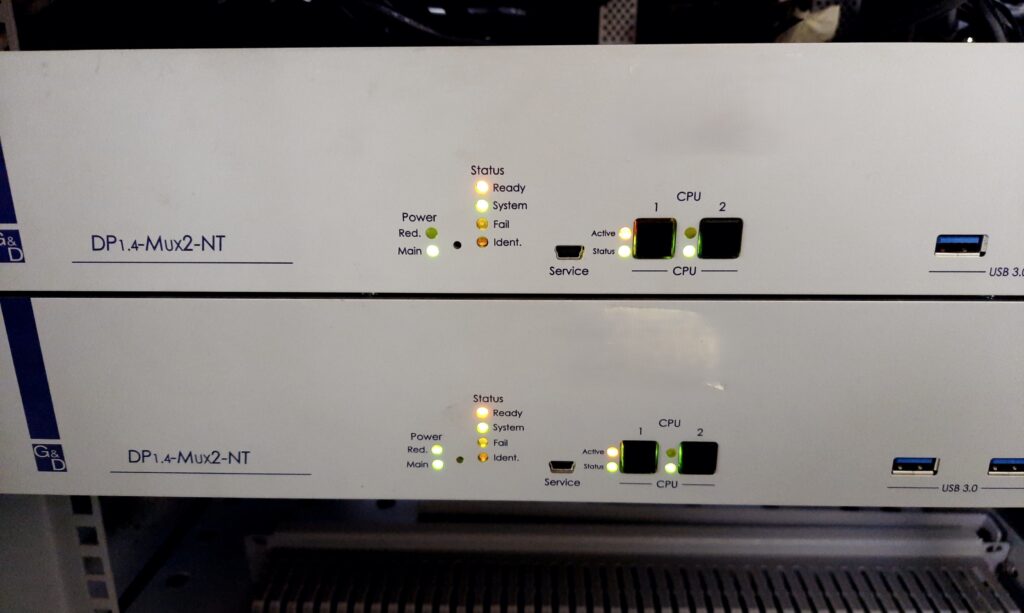
in this above picture 2 number of KVM switch Installed, and operation as show indication LED light in front side .
when we press Button CPU1 then shifted to Main Workstation as per standard connection and similarly press Button CPU2 then shifted to Backup Workstation in single Display but as per standard connection and OS Display Application changed as per Workstation operating system.
KVM Extender
Name self-indicate as EXT -added OFC connection future integration for long distance to operate