
Small-size UPS for official and commercial use to keep it safe, proper, and with AC due to battery modules and some batteries also built into the UPS as shown in the figure below: 6kVA-UPS installation, connection, power testing and checking, and UPS configuration as per requirements like parallel or individual load sharing, summing up in detail.
How to use the 6 KVA Eaton-UPS interface ports and the display? This information is provided for your reference to help you enhance your proficiency at the project site and understand the concepts illustrated in the image below.
1. Specification of 6KV UPS:
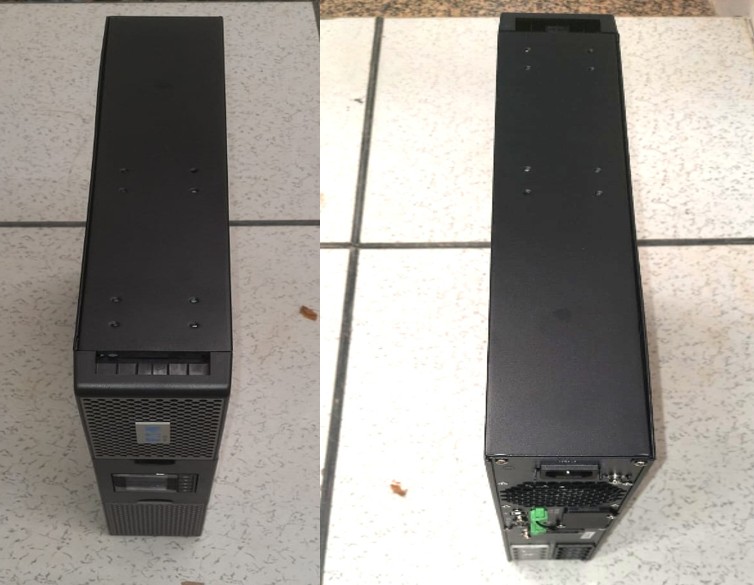
Fig -UPS and Battery Bank
Battery capacity :180V
Phase :1 -Ph :220V
Current Calculation: I=V/R and in 1-Phase :-I = S/V
Load (kVA) –> Input/Output Current (at 180V DC-Battery) –>AC Output Current (at 230V AC)
1.5 kVA ~9.26 A ~6.52 A
2.5 kVA ~15.43 A ~10.87 A
3.5 kVA ~21.60 A ~15.22 A
Input current: 10-32 Amp
Output current :9-21 Amp
Load capacity: 1.5 kVA/2.5kVA/3.5kVA
Note: Load capacity of UPS depends on power consumed by system or sub-system devices, and it will be as per power supply as per our system requirement.
Backup Time Calculations:
The formula for Battery backup time (T) is T = {Battery Voltage} X {Battery Ah} X {Efficiency} / {Load in VA}
1.backup time as per case -1 :1.5 kVA :10.8 Hours
2. backup time as per case -1 :2.5kVA :6.48 Hours
3. backup time as per case -1 :3.5 kVA :4.63Hours
2. Pre-Installation: Safety, Environment, Input Row Power (32-40A), phase breaker and Installation Material.
As we know, ground and field UPS setups need consideration of good environments like AC cooling and dust-free areas and also checking water leakage prevention well. When visiting a site, then check and ask the client about power supply availability and if it’s stable and low power or High Voltage Or have some issue? And also make sure all material is available and where it is before start installation. If any is missing, then inform the responsible team. For more depth, follow the electrical section.
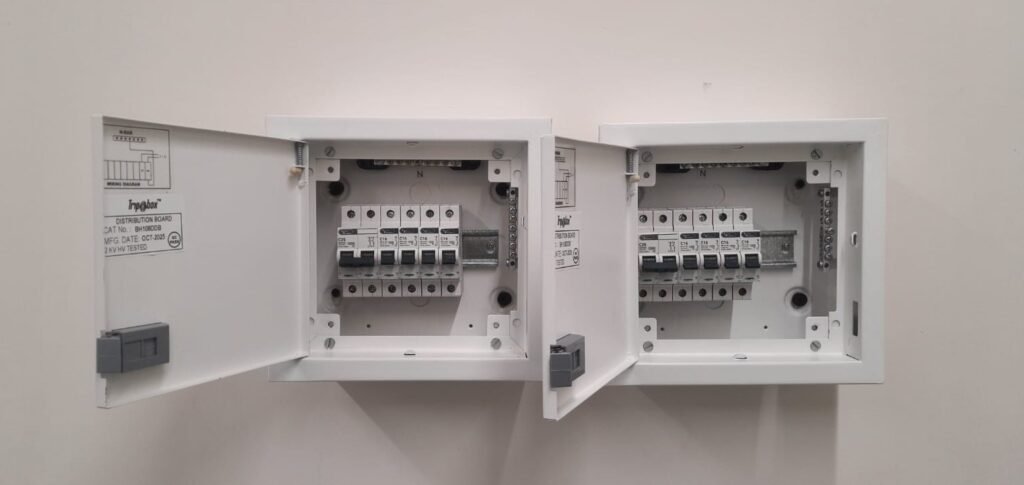
Fig -Electrical Distribution panel/Board
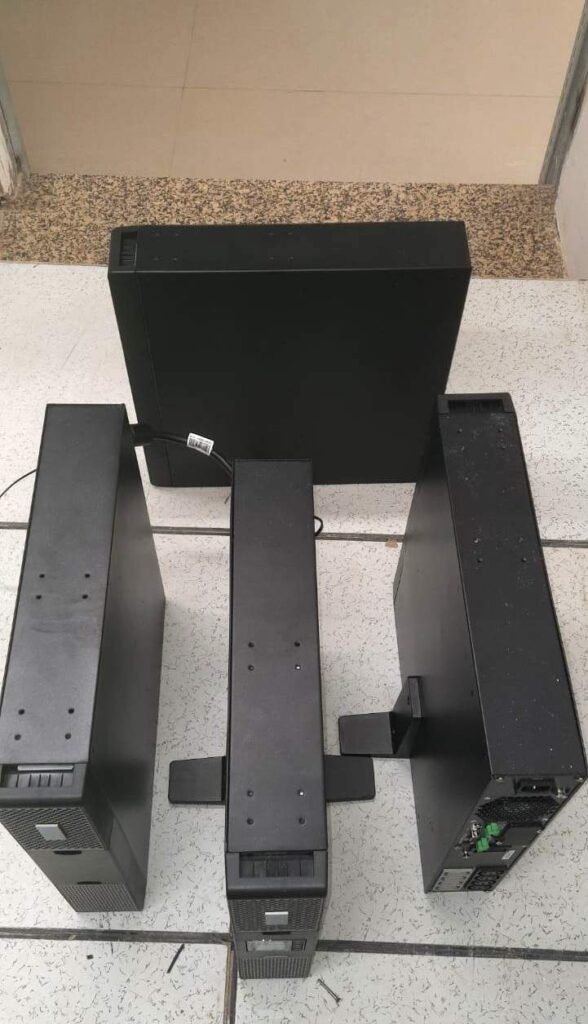
Fig . 2 Nos UPS (each 6kva) and 2 Nos Battery Modules
3.UPS–Installation: Installed at Rack, Safety and Drainage/Water /AC leakage
Before starting installation, see the above point -1 (pre-installation) to check if every point is available or not, so try to discuss it with the client or responsible person ASAP and close it. Also check UPS inspection (damage, bent?) as given in the picture for reference purposes.
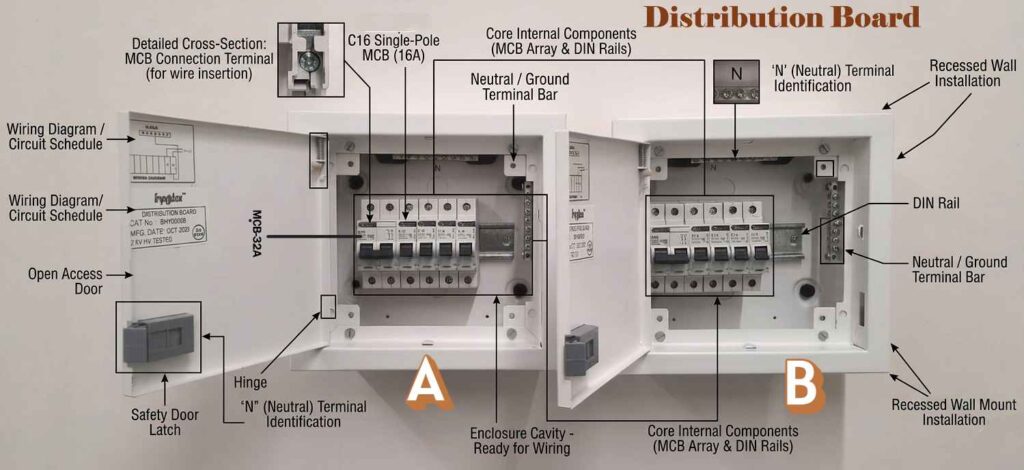
Fig Electrical Panel with Specification
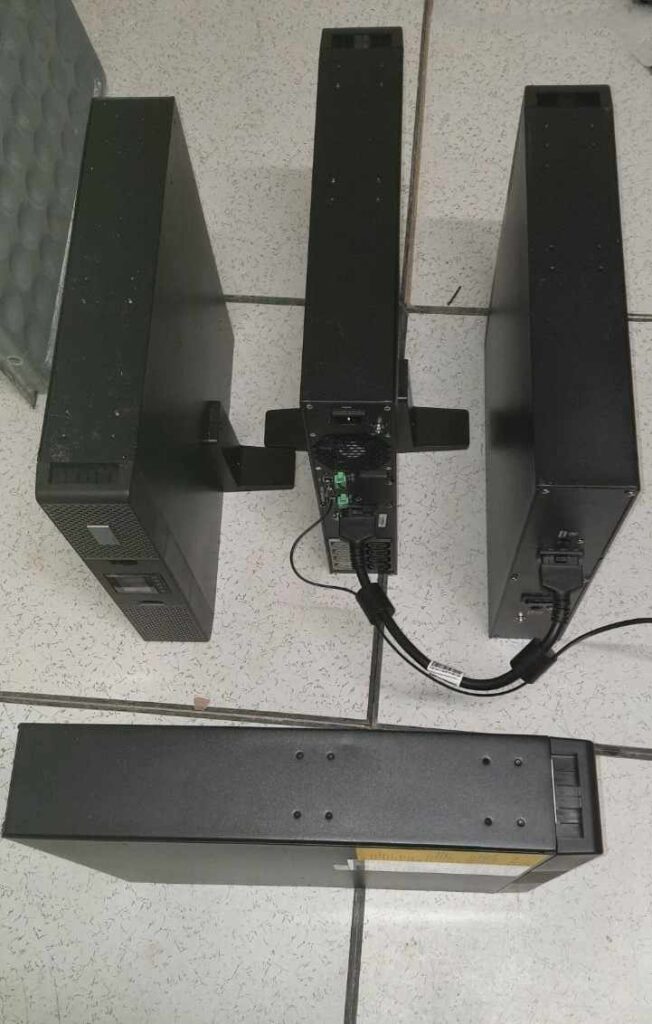
Fig. 6 kVA-UPS Installation
Tips: Generally, small UPSs are installed in the rack or heavy tray or at least 30-50 cm from the tiled floor due to easy drainage/flood protection and also water leakage from the rooftop, AC airflow leaks, cleaning, and better safety, thermal management, and structural integrity.
4.Connections: Power termination, Distribution Board, earthing, and power connection input Row MCCB- Panel, to ups via Battery.
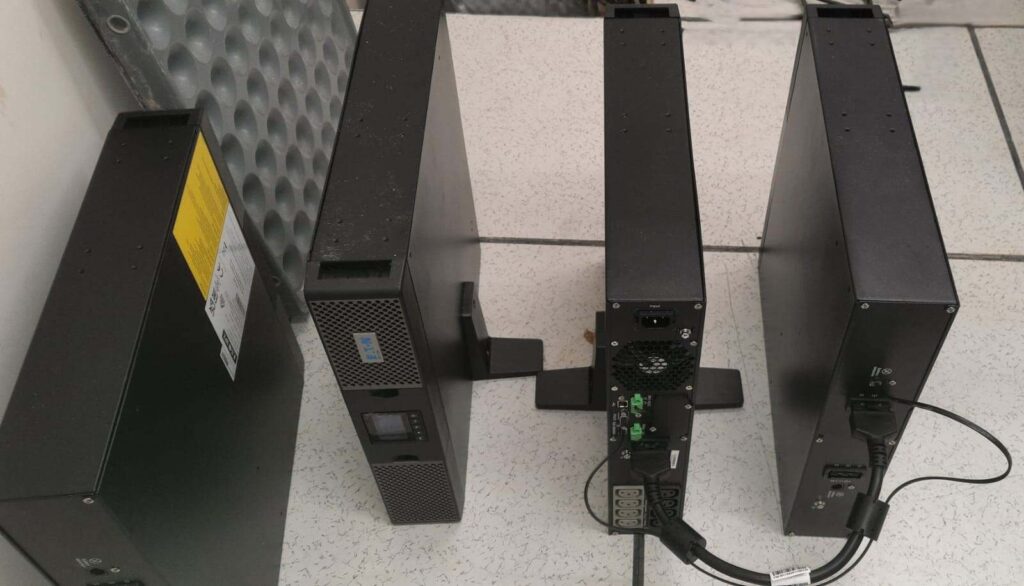
Fig UPS Rear side connection
Always follow standard connections with tagging and dressing as shown in the fig below for more visual understanding.
Check the Grounding also connection to SPD
External Battery Connection- as showing fig.
AC Input/Output Wiring (N-L OR L-E) with MCCB or Distribution Board as show below fig.
Communication Ports: SNMP -for Monitoring and UPS parallel operation
5.Starting the UPS (Commissioning):
To demonstrate every point connected as per requirement, all power is OK. Load, voltage, and also check the following points below.
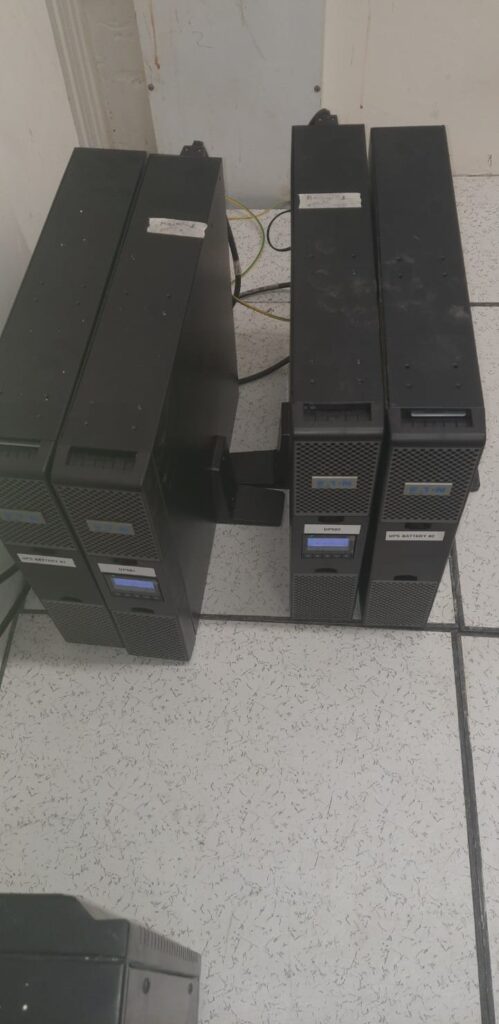
Fig .2 Set of Ups One for Main and other for backup
Switch on the battery breaker (check stability, ups running, or dry running).
Switch on the input breaker (bypass all status ok, even fans or LEDs).
Self-Test (by using the LCD touch display control panel to press the On button in 3 sec to perform as mentioned in fig. to self-check and switch from Bypass to Inverter Mode.
Verify Output: to check voltage, frequency, load on LCD display panel, and overall status.
6.Operational Modes(Testing ):
To perform Testing in 4 Mode of operation: 1–> Direct (AC Mode) row input power —> 2. Battery Mode—>3. Bypass Mode–>4. Maintenance Bypass
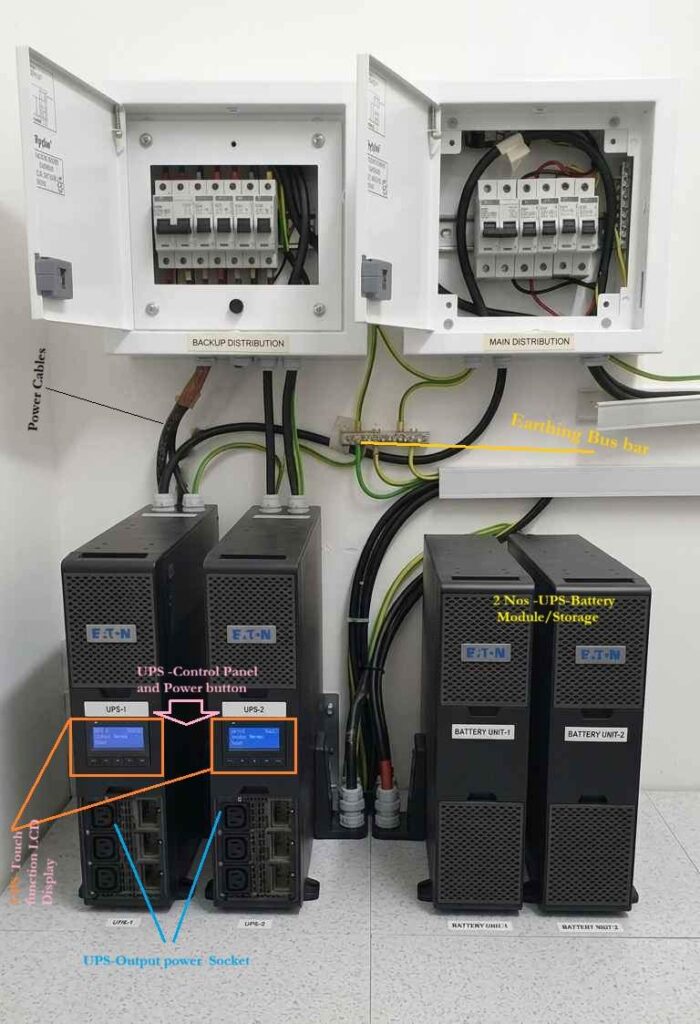
Fig. Ups Operation
7.Maintenance Checklist (SOP): Make to standard SOP maintenance and safety (UPS operation and human) and safety warnings to alert of voltage (192V or <240V).
SOP for Start UPS or OFF UPS, Monitoring process
Monthly—>Quarterly—>Semi-Annually—>Annually